
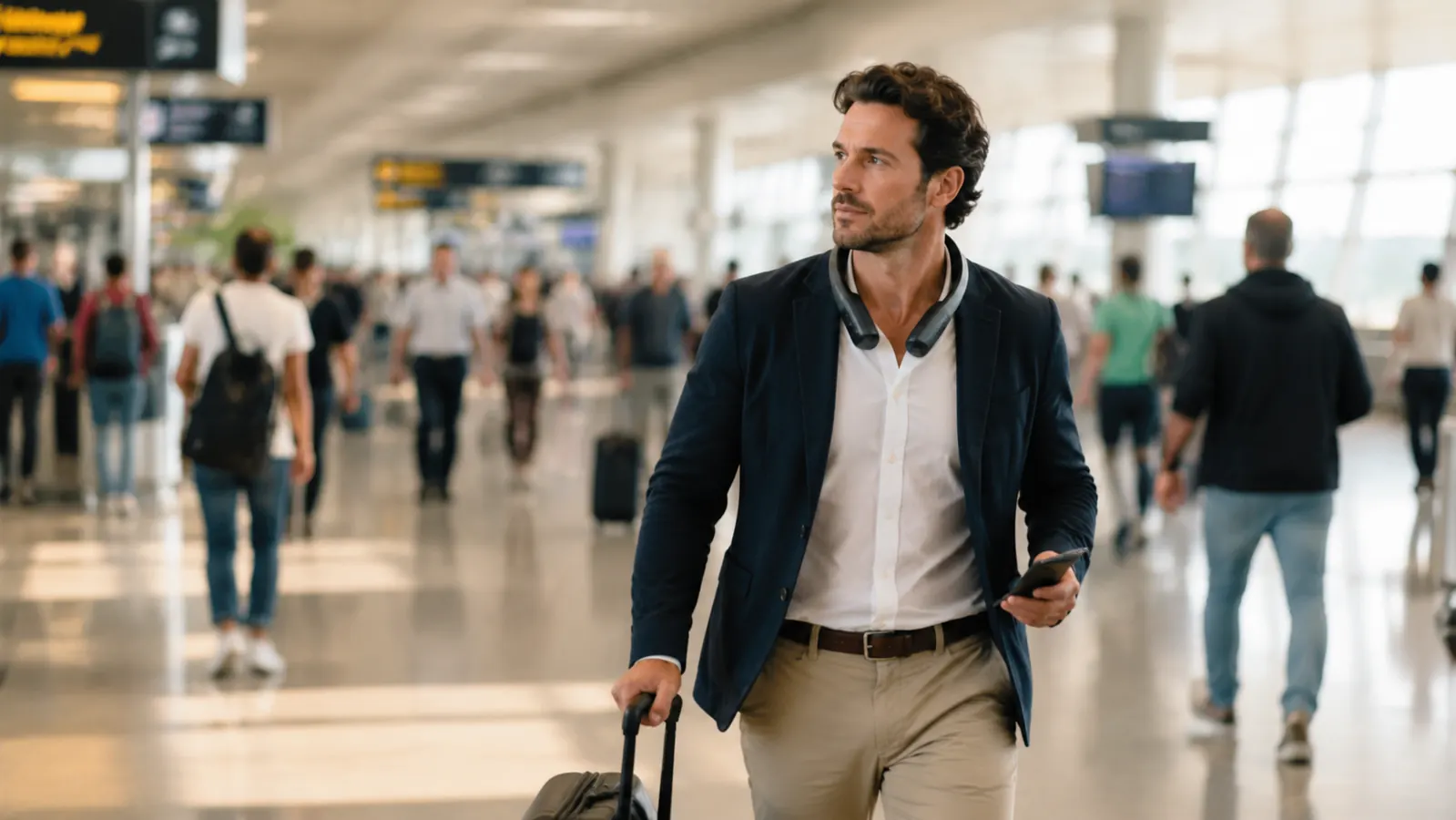
I used to think the worst part of flying was the flight itself. It's not. It's the forty minutes between the security line and the gate, when the terminal AC is fighting two thousand bodies and losing, your shirt is sticking to your back before you've even found your gate number, and you're still carrying a laptop bag, a jacket you can't fit anywhere, and a boarding pass you're using as a makeshift fan because it's the only thing in your hands that moves air. That was me for years, especially flying through Atlanta and Denver in July, standing in a jet bridge queue that hadn't moved in ten minutes while sweat ran down my spine under a blazer I couldn't take off because both hands were full. The thing that actually fixed it wasn't a lighter jacket or a different route through the airport. It was clipping a JISULIFE neck fan around my neck the second I cleared security, hands free, both bags still in my grip, cool air running across my jaw and collar the entire walk to the gate. This is the exact routine I run now in every terminal, built around that fan, so I'm not the person arriving at the gate looking like I ran there.
None of this requires you to change how you pack or how early you show up. It's five habits built around one piece of gear, and they work whether you're making a tight connection in Charlotte or sitting through a two-hour weather delay in Chicago. The fan does most of the work, but only if you treat it like part of your airport routine instead of something you dig out of your bag once you're already miserable and sweating through your collar.
Stop Fanning Yourself With Your Boarding Pass
The JISULIFE Portable Neck Fan runs hands-free at five speeds off a 4000 mAh battery, so you can roll a carry-on and hold a coffee while it keeps cool air moving across your neck and jaw. Check today's price on Amazon before your next connection.
Amazon Check Today's Price on Amazon →Step 1: Charge It the Night Before, Not at the Gate
This sounds obvious and it's still the step people skip. A neck fan does you no good sitting dead in your bag because you assumed it still had a charge from your last trip three months ago. I plug mine in the same night I lay out my TSA bin items, right next to my phone charger, so it's a habit instead of an afterthought. The JISULIFE's 4000 mAh battery gets me through a full travel day on a mid-range speed setting, easily six to eight hours, but that number drops fast if you're starting from half a charge because you forgot to top it off.
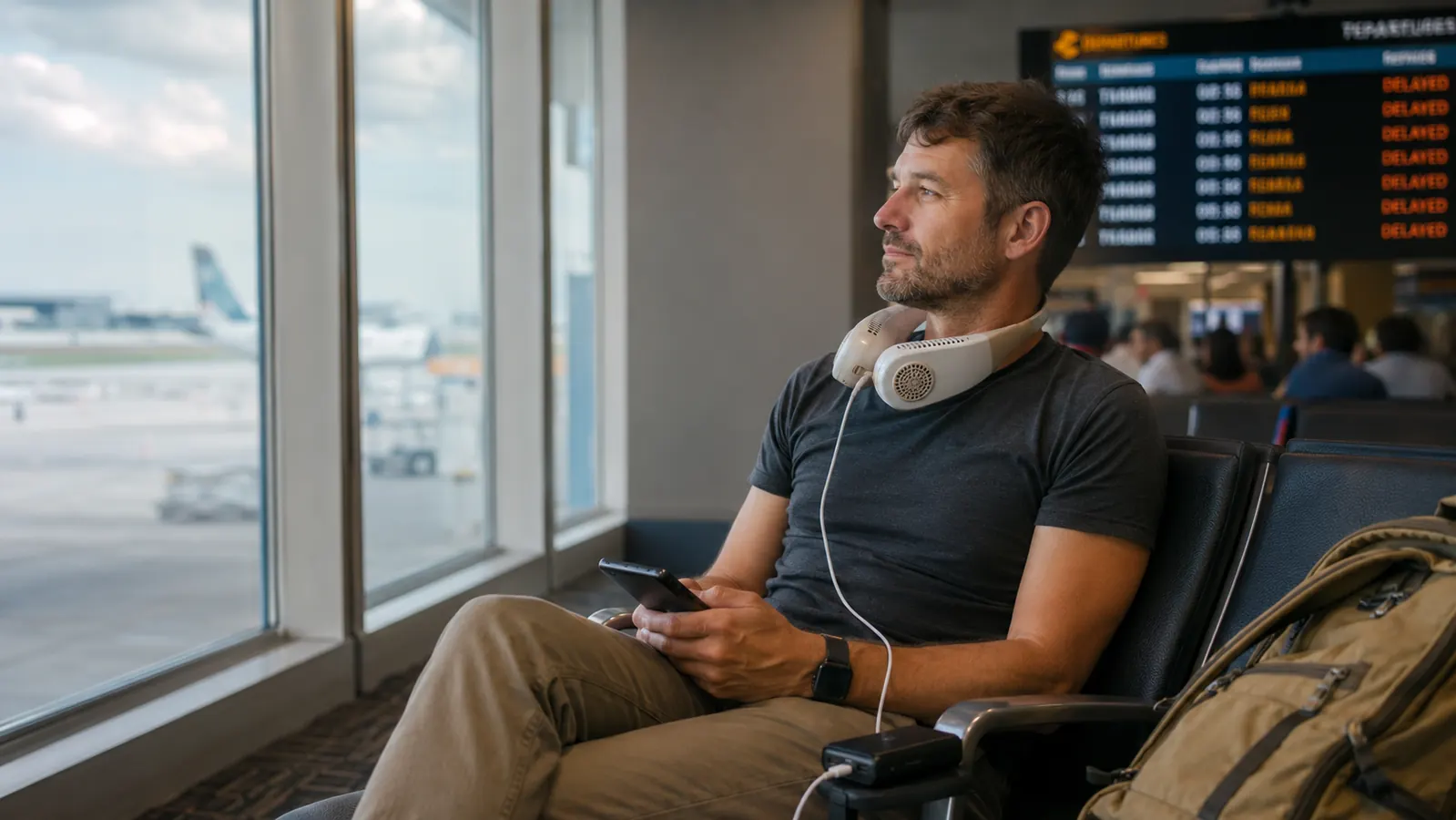
If I know I'm flying somewhere with a long layover, I'll also toss a small USB battery pack in my personal item so I can top the fan off at the gate without hunting for an outlet, since gate outlets are basically a contact sport at this point. Ten minutes on a battery pack while I'm scrolling through a delay notice buys me another hour or two of cool air, which matters more than it sounds like on a day with a missed connection.
I also check the charging port itself before I leave the house. The USB-C cable on mine lives in the same pouch as the fan, not loose in my bag, because a dead fan with no cable in sight is worse than not owning one at all. Small habit, but it's the difference between arriving cool and arriving already regretting the blazer.
Step 2: Clip It On the Moment You Clear Security
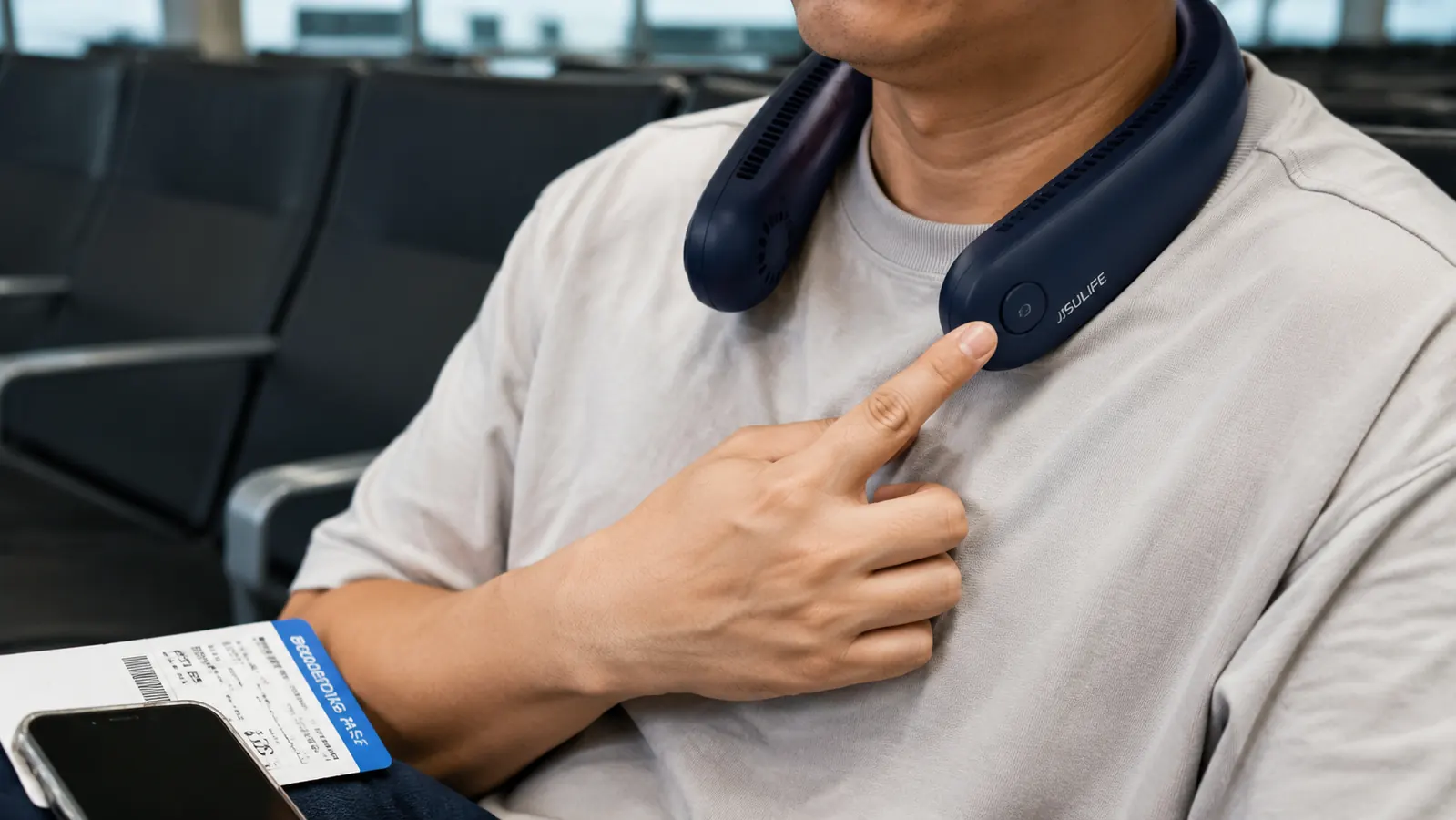
Security is where things get warm fast, between the line itself, the shoes-off shuffle, and the walk to reclaim your bins while everyone else is doing the same thing at once. I don't wear the fan through the checkpoint since it has to come off with everything else metal or electronic, but the second I've got my shoes back on and my laptop back in its sleeve, it goes around my neck before I even start walking toward my gate. That's usually the exact moment I need it most, because the walk from checkpoint to gate is when body heat actually builds, not while you're standing still in line.
The bladeless, hands-free design is the whole reason this works mid-walk. I'm usually holding a rolling bag handle in one hand and a laptop bag or coffee in the other, so a handheld fan is useless to me in that window, I'd have nowhere to put it. The JISULIFE sits on your shoulders like a lightweight collar and blows air upward past your jaw and ears without you needing a free hand at all, which is the entire reason it replaced the little handheld fan I used to carry and constantly set down and forget on gate seats.
I keep mine on through the walk, through finding my gate on the board, and usually through the first few minutes of sitting down, since that's when the adrenaline of rushing through security is wearing off and you actually notice how hot you got. Taking it off too early defeats the point of clipping it on in the first place.
Step 3: Match the Speed Setting to What You're Actually Doing
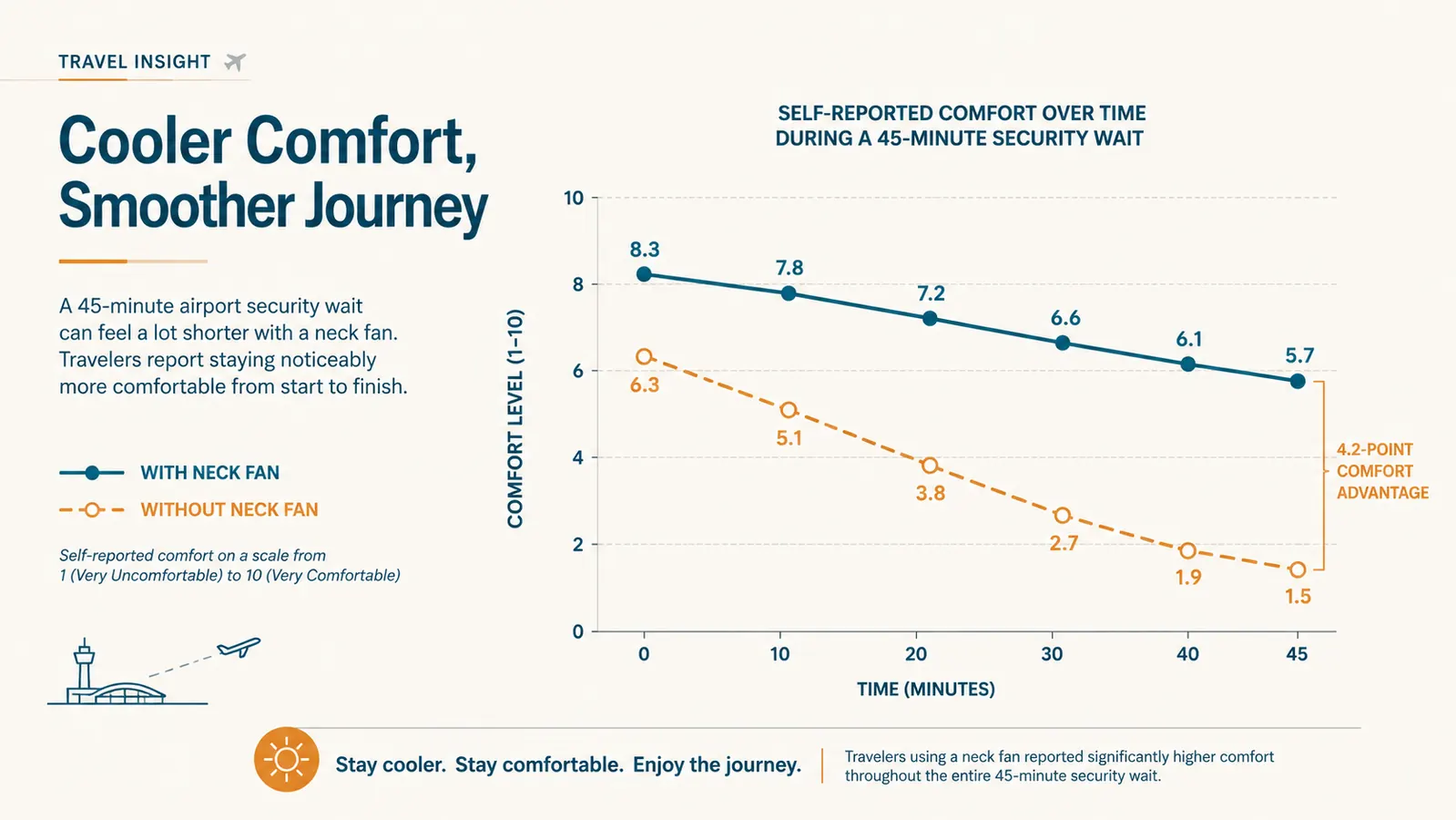
The JISULIFE runs five speeds, and I treat them like gears instead of just picking one and leaving it. Walking briskly to a gate or making a tight connection, I run it on speed four or five, full airflow, because I'm generating more body heat moving fast with bags than I am sitting still. Once I'm seated at the gate scrolling through emails or reading, I drop it down to two or three. It still moves enough air to keep me comfortable without draining the battery I might need two more hours from now if my flight gets delayed.
This matters more than people expect because airport heat isn't constant. The jet bridge itself is often the hottest ten minutes of the entire trip, especially on a summer afternoon when the plane's been sitting on the tarmac and the AC hasn't caught up yet. I bump the fan up to max the second the door opens for boarding and keep it running until I'm actually in my seat with the overhead vent pointed at me. That jet bridge stretch is where I've seen people visibly wilting in line, and it's the single spot where a strong airflow setting earns its keep the most.
Long layovers are the opposite problem. If I've got ninety minutes between flights, I'm not running the fan on high the whole time, that's how you show up to your next flight with a dead battery and no outlet in sight. Low or medium, on and off as needed, stretches the charge across a full layover instead of burning through it in the first thirty minutes.
Step 4: Use It During the Boarding Crunch, Not Just the Walk
Most people take their neck fan off once they sit down at the gate and don't put it back on until they're already sweating in the boarding line. I've started doing the opposite. The ten minutes standing in a crowded jet bridge or gate area during group boarding, bags in hand, shuffling forward a few feet at a time, is honestly worse than the walk from security. You're standing still in a tight crowd with recycled air and zero airflow, which is exactly the kind of situation a neck fan was built for.
I keep mine running through boarding right up until I'm in my seat and can feel the overhead vent working, then I fold it into the seatback pocket in front of me rather than stuffing it back in my bag. That way it's right there for the deplaning crush at the other end, which on a hot-weather route can be just as bad as boarding, especially if the jet bridge isn't attached yet and the plane's cabin has already started warming up.
This is also the point where I've noticed the biggest difference between the JISULIFE and the cheap handheld fans I used to buy at airport kiosks. Those needed a free hand, which you don't have while herding a rolling bag through a crowded aisle. Hands-free is the actual feature that makes it usable during boarding instead of just sitting unused in your bag until you're already seated.
Step 5: Pair It With a Few Habits the Fan Alone Can't Fix
A neck fan solves airflow, not hydration, and airport heat dehydrates you faster than most people realize between dry cabin air later and the general stress of navigating a terminal. I fill an empty water bottle after security every single trip, not because I love lukewarm airport tap water, but because showing up to a hot gate already dehydrated makes the heat hit harder no matter how much airflow you're getting across your neck.
Clothing matters too. I stopped wearing anything synthetic or dark-colored on travel days years ago, back when I was flying a hundred-plus segments a year for a job that had me in airports more than my own kitchen. A breathable, light-colored layer paired with the fan does more than either one alone, since the fan is fighting an uphill battle against a black polyester blazer soaking up heat from every direction.
Last thing, and it sounds small, but I stopped carrying a coat or heavy layer through the terminal itself. I'll pack it in my bag and put it on once I'm actually seated and the cabin's AC is running cold, rather than sweating through a jacket for forty-five minutes because I didn't want to carry it separately. Between the fan, water, breathable clothes, and not overdressing for the terminal, the whole system works together instead of the fan trying to compensate for everything else.
What Else Helps
A few smaller things round this out. I keep a small microfiber cloth in my bag to wipe down my face and neck after a rushed connection, since a cool fan on a sweaty neck still feels sticky until you've dried off. I also point the fan slightly upward toward my jaw and ears rather than straight at my throat, which cools faster because that's where more blood vessels sit close to the skin. And on the hottest routes, I'll run the fan on low even while seated on the plane before the cabin AC kicks in fully after boarding, since ground crews are still catching up on airflow in those first few minutes after the door closes.
The fan does the heavy lifting, but the real fix is treating airport heat like a routine you manage, not a delay you just have to suffer through.
Walk Off the Jet Bridge Cool, Not Drenched
If you fly through busy hubs more than a couple times a year, a hands-free rechargeable neck fan earns its spot in your carry-on fast. Check today's price on the JISULIFE Neck Fan and build it into your next travel day.
Amazon Check Today's Price on Amazon →